





No Blinking Light During Setup
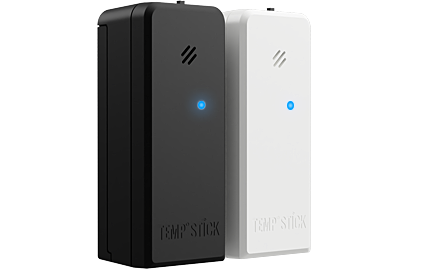
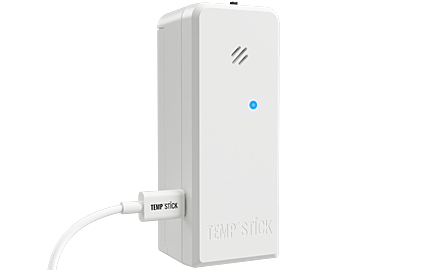
When setting up your Temp Stick for the first time, you should see a continuous blinking red light after inserting the batteries and powering on the device. This indicates that the device is in setup mode.

No Blinking Red Light During Setup?
Possible Cause: Your Temp Stick may need a reset, or there could be a factory issue preventing it from entering setup mode.
Solution: Please contact our friendly support team for help at 888-263-6973. We’ll guide you through the next steps or arrange a replacement if needed.