





My Reading Looks Wrong
If a reading doesn’t match what you find on site, it’s almost always about how or where the sensor is placed, not the sensor itself. Work through these checks first.
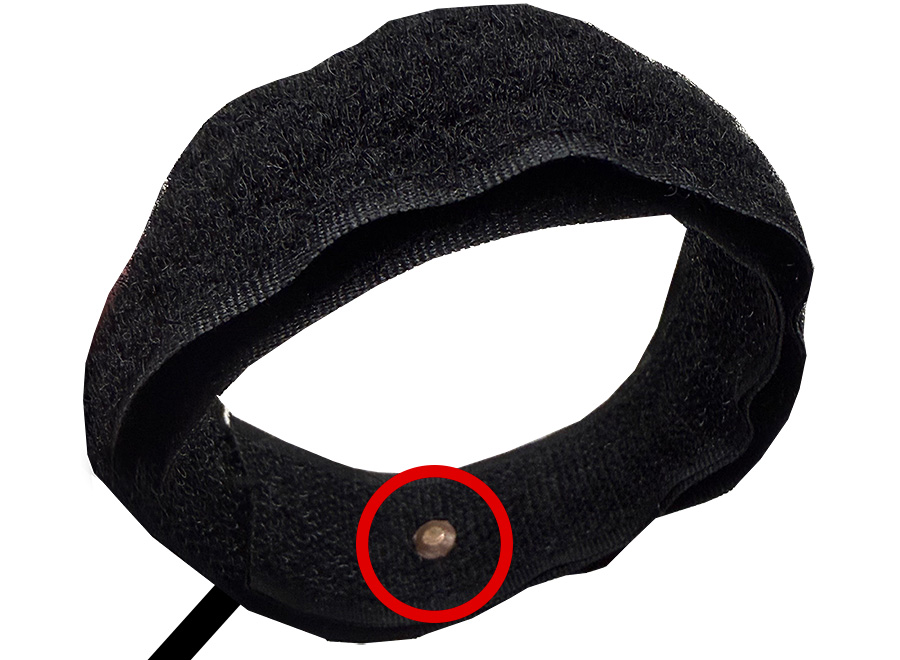
Pipe strap reading
- The strap is snug.
A loose strap reads the air, not the pipe. Pull it tight around the pipe.
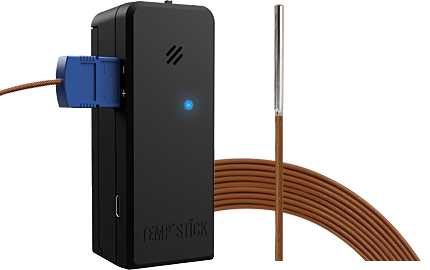
- The copper sensor touches bare pipe.
Not insulation, tape or a fitting. Move the strap to a clean, bare section if you need to.
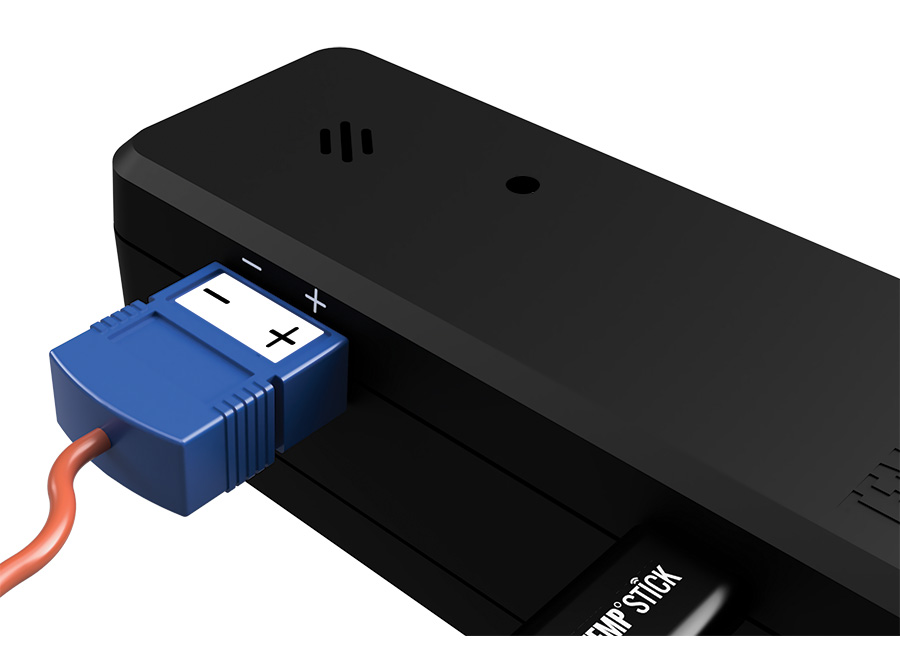
- The cable is plugged in the right way round.
Line up the positive (+) and negative (−) marks on the connector and the Temp Stick.
- The cable isn’t damaged.
Look for pinches, cuts or a cable pulled tight.
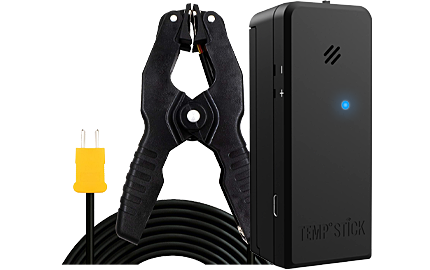
Reading shows N/A? The strap isn’t connected. What to do about N/A
Air temperature reading
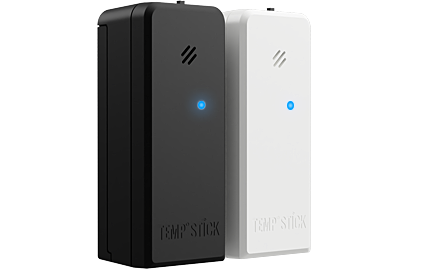
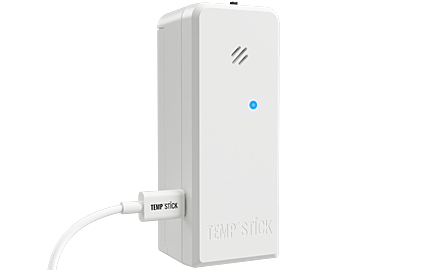
The Temp Stick reads the air right where it hangs. Next to a heater, a warm air vent, a sunny window or a door to the outside, it reads that spot, not the room. Move it a few feet away from anything that heats or cools it.
Is it up to date?
Readings only change when the sensor checks in. Check Last reading in the alert’s details or on the sensor’s page: if it was a while ago, you’re looking at an old reading. Not checking in at all? Get it back online
Compare, then calibrate if needed
- Compare with a thermometer you trust.
Hold it at the same spot for a few minutes (on the pipe’s surface, for the strap), then compare it with the next reading. A difference of a degree or so is normal.
- Still off? Add an offset.
Your Temp Stick arrives calibrated, so this is rarely needed. If it is, you can add an offset in the app: pipe strap or temperature and humidity.
If it set off an alert
Close the alert as a  and choose the reason, like “Strap came
loose from the pipe”. Then fix the sensor so it doesn’t happen again.
and choose the reason, like “Strap came
loose from the pipe”. Then fix the sensor so it doesn’t happen again.