


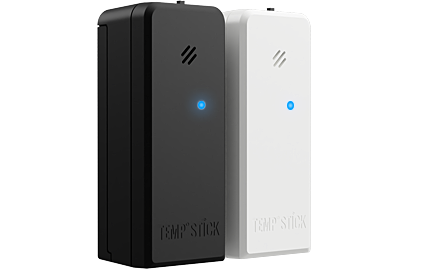
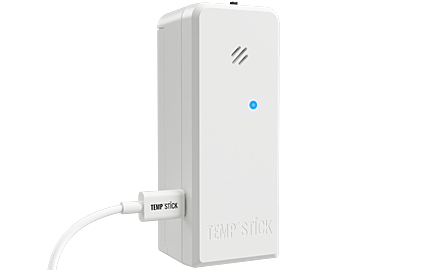
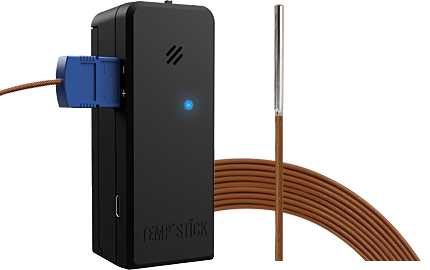
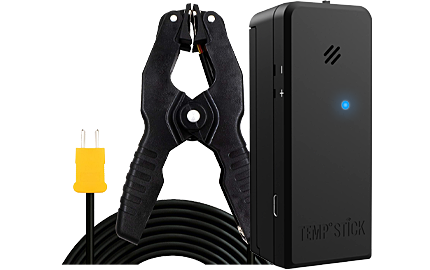



Replacing the Batteries
Your Temp Stick runs on two AA batteries. When the app shows the battery is low, or you get a low battery alert, swap in a fresh pair. It only takes a minute, and your settings stay as they are.
Which batteries
We recommend Energizer Ultimate Lithium AA batteries. Lithium batteries keep working in the cold, where ordinary alkaline batteries lose their power quickly. That matters in an unheated riser room or loading dock.
- Use two new batteries of the same kind. Don’t mix old with new, or lithium with alkaline.
- Keep a spare pair on site, so a low battery never leaves a pipe unwatched.
How to replace them
- Open the battery compartment on the back of the Temp Stick. You can leave the pipe strap connected.
- Take out both old batteries.
- Put in two new AA batteries, matching the + and − marks.
- Close the compartment. If your Temp Stick has a power switch, make sure it’s on (slid to the right).
- That’s it. It reconnects to your WiFi on its own; there’s nothing to set up again. The app shows the new battery level after its next check-in.
Checking the battery level
Open the sensor in the app, or tap an alert to see its details: both show the battery level. You can also set up a low battery alert so you hear about it before the batteries run out. How to set up alerts
How long they last
It depends on how often your Temp Stick checks in, how cold it is, and how strong its WiFi signal is. Checking in more often, cold spaces and a weak signal all use more power. Before each winter is a good time to put in a fresh pair.
New batteries in and still not checking in? Try these steps